YACC1 — Yet Another Custom CPU
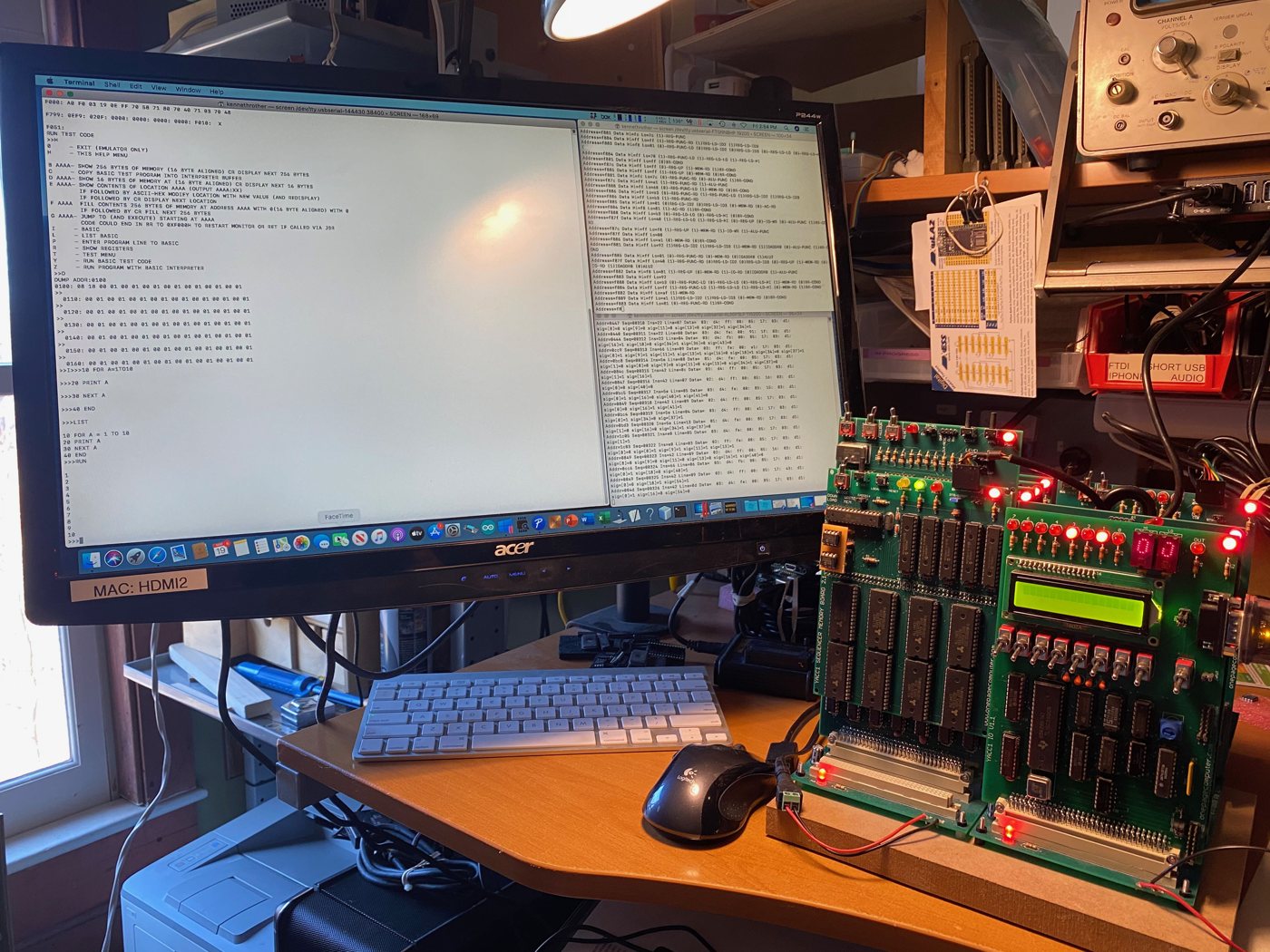
YACC1 on the bench, with a monitor and BASIC session on the Mac's terminal.
YACC1 is a computer built from scratch out of 74-series TTL logic chips — no microprocessor, no FPGA, not even a 74181 ALU chip. Its CPU is spread over cards plugged into a backplane, and every instruction is carried out by microcode: a table of 64-bit control words, one per clock step, that switches the cards' signals on and off. Around the hardware sits a complete software stack: a monitor in ROM, BASIC, a disk operating system, and a C compiler written for it.
I'm Ken Rother, and I designed and built YACC1. Claude, Anthropic's AI, has been directly involved in its design, coding and documentation.
Watch it run Source on GitHub My other projects
At a glance
| Data path | 8-bit, accumulator-based ALU with carry, shifts and a compare unit |
| Registers | eight 16-bit registers, R0–R7 (R0 is the program counter, R1 the stack pointer) |
| Address space | 64K: 52K of RAM, the 8K ROM, and 2K of video memory at $D000 |
| Instructions | around 80, all microcoded: 256 opcodes × up to 64 steps × a 64-bit control word |
| Construction | TTL chips on cards plugged into an 8-slot, 96-pin backplane |
| Clock | 1 MHz (it has been seen running at 6 MHz) |
| Console | serial at 38400 baud, to a Mac over USB |
What it runs
- The monitor ROM — examine and change memory and registers, load programs from a Mac, run them; BIOS entry points for programs. (Monitor guide)
- BASIC — a Tiny BASIC I wrote for YACC1, in the same ROM.
- Compiled C — programs built by y1cc, a C compiler for YACC1, run on the machine and pass the same tests as on the emulator. (C compiler)
- Y1/OS — a disk operating system with a shell, pipes and dozens of commands, among them an editor, an assembler and a C compiler that run on YACC1 itself. It runs on the emulators today and moves to the machine with the CompactFlash interface. (Y1/OS)
- Two emulators on the Mac: one runs YACC1 programs instruction by instruction; the other runs the real microcode step by step through models of every card. (Emulators)
The cards
-
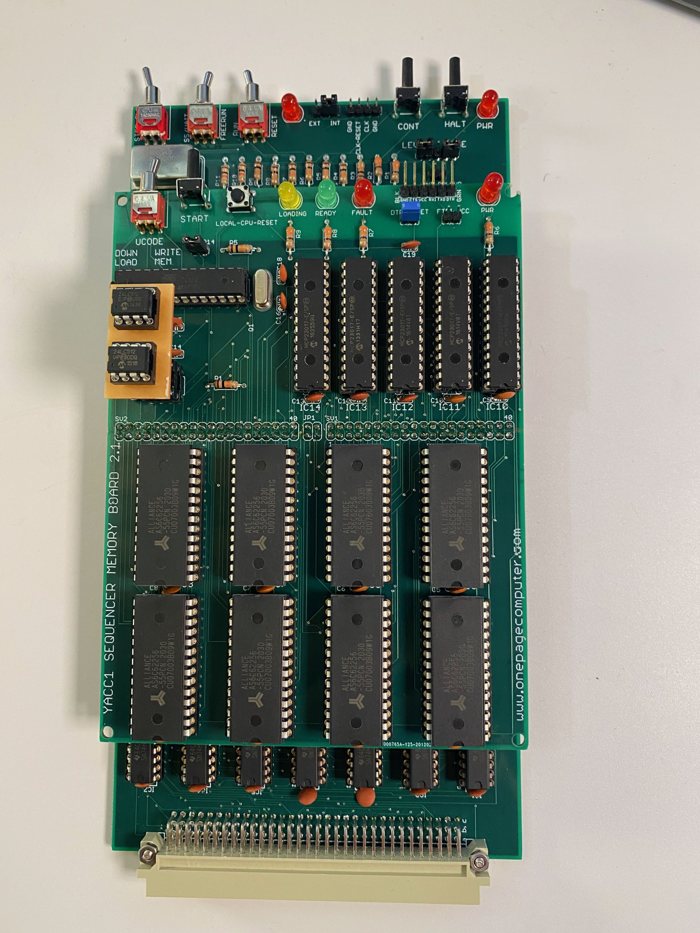
Sequencer — fetches each instruction and steps through its microcode; the microcode memory rides on top.
-
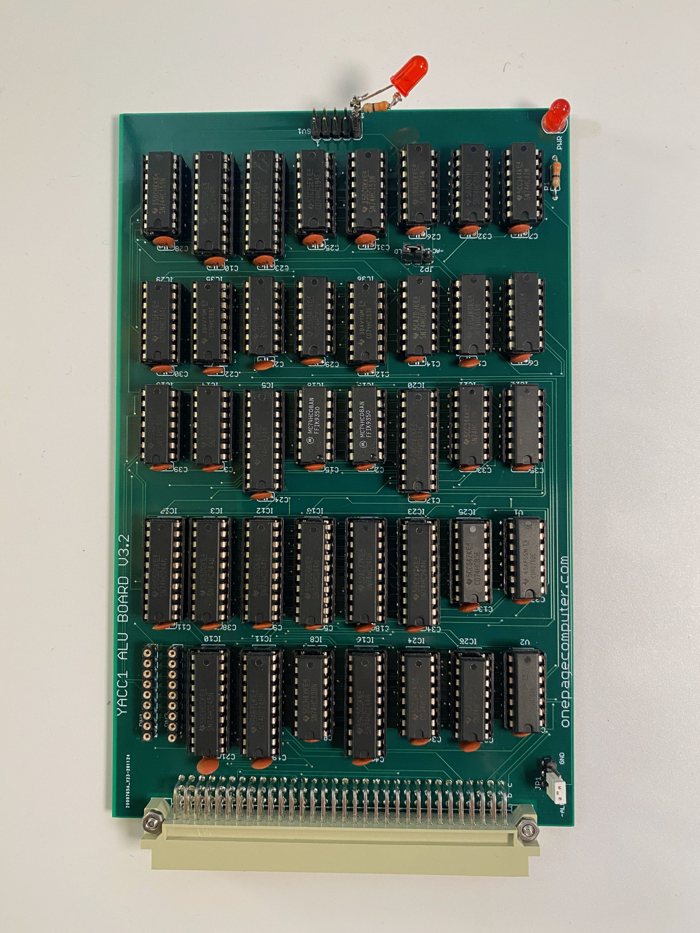
ALU — the 8-bit arithmetic and logic unit, the accumulator, carry and the branch conditions.
-
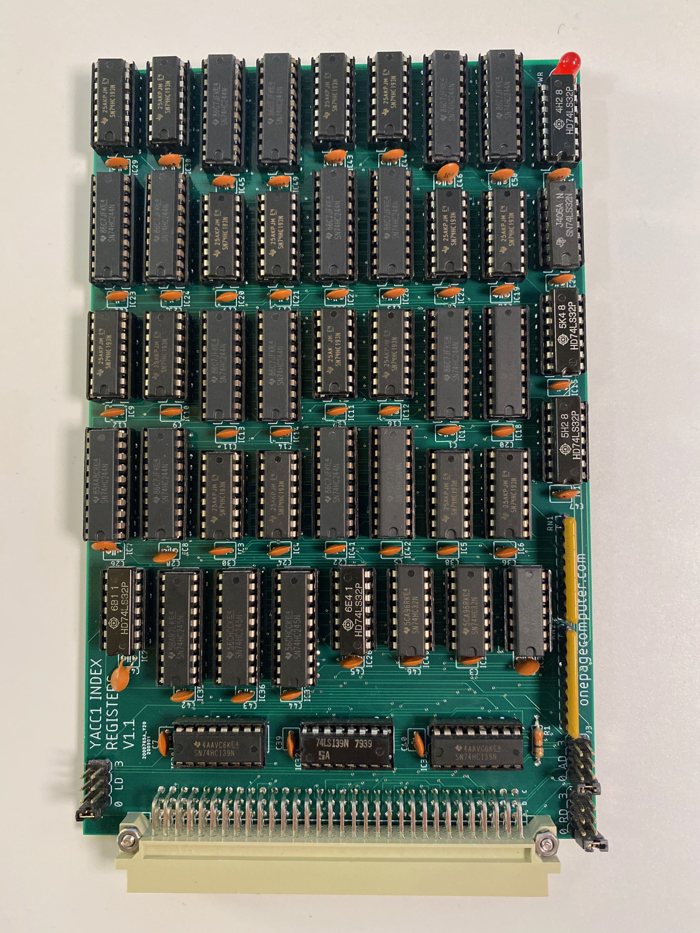
Index registers — two cards of four 16-bit counting registers each.
-
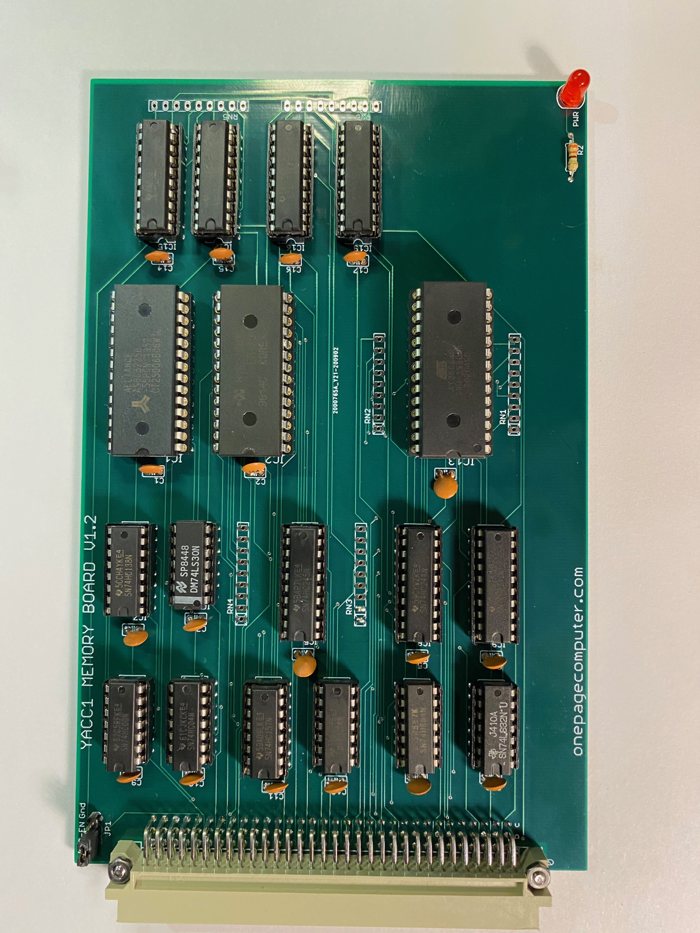
Memory — RAM, the ROM and the boot logic (V1.2 shown; V1.3 is in the machine, and V2.0 adds a disk).
-
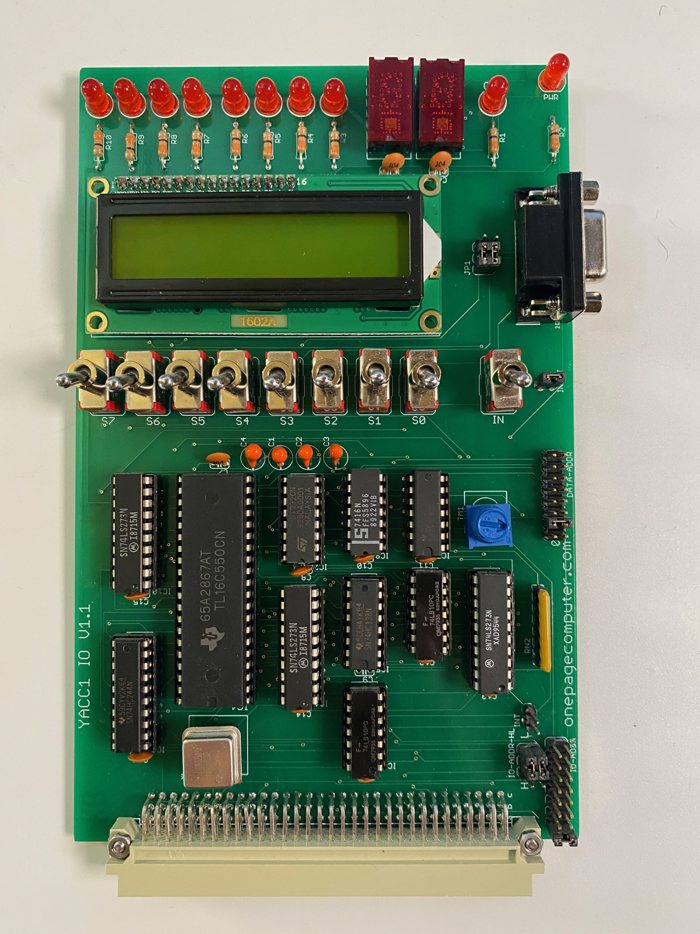
I/O — the serial console, switches, LEDs, hex displays and an LCD.
-
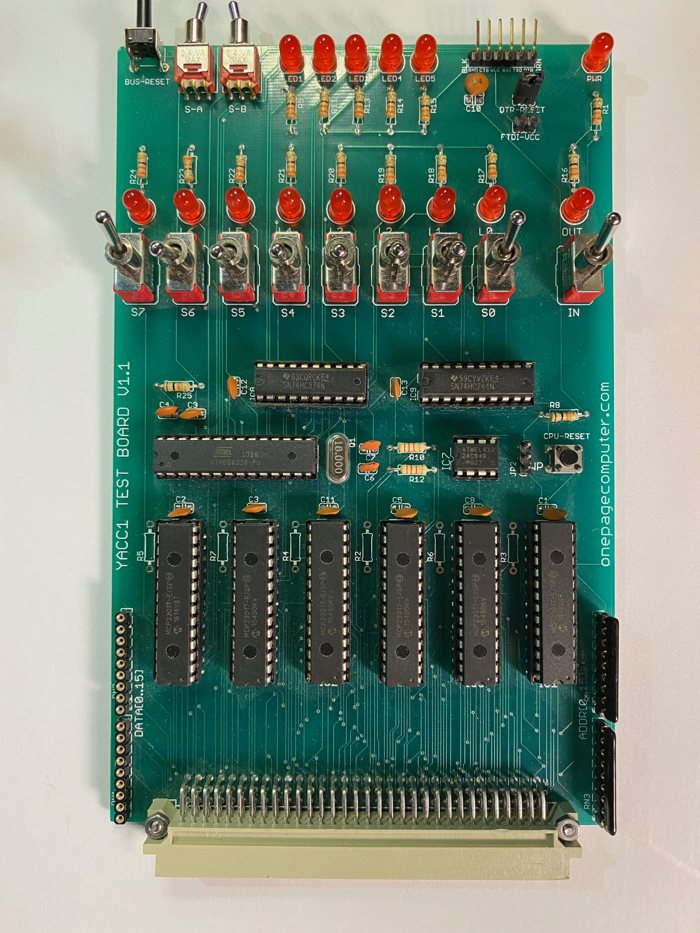
Bus tester — drives or reads every bus line from a serial console, to test each card without a CPU.
Also: the backplane, the video card (in bring-up), the CompactFlash interface (designed), and the two 16-byte cards used for the first bring-up — a switch ROM and a RAM made of latches.
Where to start
| If you want to... | Read |
|---|---|
| understand how it works | Architecture, then Microcode |
| see what one instruction does, clock by clock | the timing diagrams |
| program it | the instruction set, the memory map and the monitor |
| look at the hardware | the cards and the boards that were made |
| know what is in the machine right now | What is in it today |
| see what is being worked on | Status and backlog |
Status (October 2026)
- Working on the machine: the monitor, BASIC, and compiled C programs — all 14 bench tests pass.
- Ready, waiting to be loaded into the machine: new microcode that runs programs about 20% faster, and a ROM with a video driver.
- Next: memory card 2.0 with a CompactFlash disk, so Y1/OS can boot on the real machine; bringing up the video card; finding out how fast the machine can be clocked.